The cruise tracker for iPhone
The home for
your cruise life.
Every cruise you’ve sailed.
And the one you can’t wait for.
Keep your past and upcoming cruises on one map. See how far you’ve sailed, find your favorite ports and count down to your next departure.

01 / Your cruise logbook
Every cruise,
in your logbook.
Find the ship you sailed on, the cabin you booked and every port along the way. Your cruises are organized by year and searchable by ship, cruise line or port.
See the whole route.
Pick your ship and your dates. Where Voyiq knows the ship’s schedule, it fills in every port and sea day for you; otherwise you add them yourself. Voyiq draws the sea route between your ports and brings your cruises together on one map. Open any cruise for its day-by-day itinerary, including days at sea.


02 / Cruise statistics
You’ve sailed
quite a way.
Your completed cruises add up to more than miles. See your total nights aboard, days at sea, ports and countries visited, then look closer at the way you cruise.
- Favorites
- Your most-sailed ships and lines, most-visited ports and favorite regions
- Patterns
- Nights aboard by year, the months you cruise most, and sea days versus port days
- Records
- Your first cruise, longest cruise and longest stretch of consecutive sea days
- Distance
- Lifetime nautical miles, laps around the equator and your furthest ports in each direction
- Cabins
- See which cabin types you’ve booked most often
03 / Countdown & widgets
The cruise starts
with the countdown.
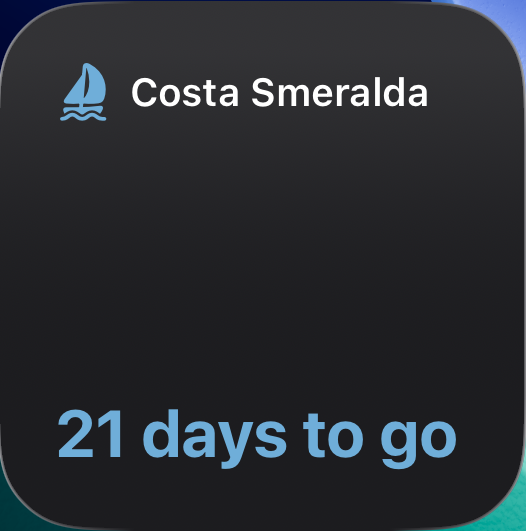
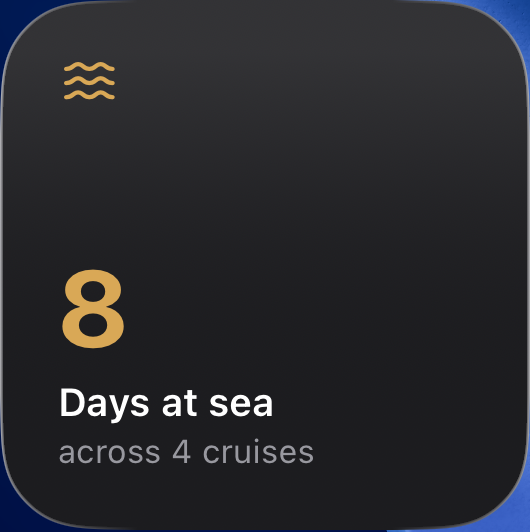
Count down to departure on your Home Screen. Once aboard, your widgets show today’s stop and the next port. A separate widget keeps your lifetime days at sea in view.
Your cruise on the Lock Screen.
Live Activities count down in the 2 days before departure, then show your cruise progress, today’s stop and what’s next. On supported iPhones, they appear in the Dynamic Island too.

Questions about
Voyiq.
Contact support Is Voyiq free?
You can download Voyiq for free, add current and upcoming cruises, use Home Screen widgets and see your lifetime distance, nights and unique ports. Voyiq Premium adds past-cruise entry, detailed statistics and Live Activities. Monthly and annual subscriptions are available; current local prices are shown in the app. Cruises you’ve already logged remain available if your subscription ends.
Does Voyiq fill in my itinerary?
Where Voyiq knows the ship’s published schedule, yes. Pick the cruise line, the ship and your dates, and every port and sea day appears with arrival and departure times, ready to edit. Schedules are available for a growing number of ships and sailings; where one isn’t known yet, you add the ports yourself.
Can I add cruises I took years ago?
Yes. Pick the ship and dates, add the itinerary, and the past cruise is in your logbook, map and statistics. You can add a past cruise for free during initial setup. Adding more past cruises requires Voyiq Premium.
What if my ship or port isn’t listed?
Suggest it from inside the app: type the name, and it’s added to Voyiq’s catalog after review. The catalog updates in the app without an app update, so you can log the cruise once the ship or port is in.
Does Voyiq track my ship’s live position?
No. Voyiq maps sea routes between the ports in your itinerary and calculates distance from those routes. Your itinerary determines the current day and next stop. It isn’t a live GPS recording or a feed of the ship’s actual position.
When does the Lock Screen countdown appear?
With Voyiq Premium, open the app within 2 days of departure to start a Live Activity. During the cruise it shows your progress and itinerary. Open Voyiq each day to refresh it, and make sure Live Activities are enabled in your iPhone settings. For a countdown further ahead, use the Home Screen widget.
Every cruise is
worth keeping.
